

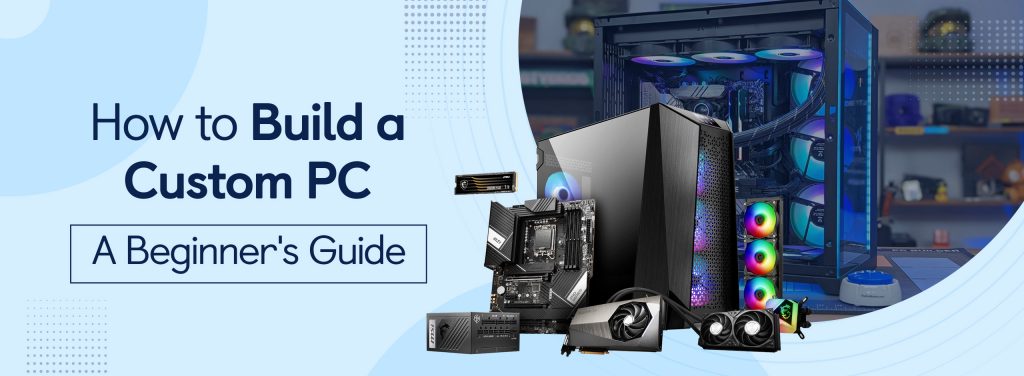


Building a custom PC is an exciting and rewarding journey. It allows you to design and assemble a computer tailored specifically to your needs, whether that’s gaming, creative content creation, or daily productivity tasks. Though the idea of building a PC might sound intimidating, this beginner-friendly guide will provide you with clear, step-by-step instructions to assemble your dream computer. Even novices may create a custom pc, that meets their needs and delivers the best performance and upgradeability with the correct resources and direction, giving them a sense of achievement. Let’s dive into the essentials of building a custom PC! We are here to guide you through how to build a PC.
What is Required in Building a Custom PC?
Put the motherboard inside the casing
- Insert the I/O shield into the case’s rectangular aperture.
- The motherboard should then be inserted into the casing until the ports are able to pass through the I/O shield.
- After installation, fasten the motherboard into the casing using the supplied screws.
- Avoid over-tightening since this may cause the motherboard to break.
- An explanation of the case Insert the I/O shield into the case’s rectangular aperture.
- The motherboard should then be inserted into the casing until the ports are able to pass through the I/O shield.
- After installation, fasten the motherboard into the casing using the supplied screws.
- Avoid over-tightening since this may cause the motherboard to break.
Set up the memory
The easiest piece of hardware to set up when building a custom PC is RAM.
- The motherboard’s memory slots should be located.
- To keep your hands away from the gold pins and chips, hold the memory modules on the side.
- Press the module down hard until it clicks after aligning its notches with the slot’s ridge.
- Remember that a full module installation requires around pressure of 30 pounds.
Install the SSD
- Based on the form size of the SSD you purchased (2.5-inch, mSATA, or M.2), installation may vary.
- Refer to your user manual of the hard drive.
- Or go through all SSD installation frequently asked questions available on the internet for suggestions on a guide to install your hard drive.
Put the fans
- Use the mounting brackets that come with your cooling fan to install it.
- When the cam lever contacts the mounting bracket, make sure the CPU is exerting a steady downward pressure on the fans.
- Connect the motherboard to the fans
It’s time to start up the PC!
A screen allowing you to access the machine BIOS will show up if everything goes as planned. If you have an operating system on a disc or flash drive, insert it into the corresponding disk, turn it on, and install it. When selecting an operating system, it’s crucial to keep in mind that you’ll probably use your computer—including the OS—for other routine chores.
Bonus Tip: If you’re confused about which UPS to choose, you can check out our carefully curated list of best UPS for PC in the market.
Conclusion
It may seem intimidating at first, but as you’ve seen, breaking it down into steps makes the process not only manageable but also incredibly rewarding. From picking the right components to finally powering up and hearing that satisfying first boot, building a PC is a journey that teaches you so much about technology, problem-solving, and even a bit about yourself.
The best part? You’re not just assembling a machine—you’re creating something that’s uniquely yours, designed to fit your exact needs, whether that’s gaming, work, or creative pursuits. Now, roll up your sleeves, power up your dream machine, and enjoy the endless possibilities that come with a custom-built PC. If you’re looking for affordable spare parts to build a custom PC or a laptop, check out OLX.
Happy building!
Frequently asked questions
Is building a custom PC more cost-effective?
A PC’s construction cost is determined by the specifications of the parts you purchase. Typically, the initial cost of manufacturing a PC is higher.
Can a person build a computer?
Anyone is capable of building their own PC with a little help. You may build the ideal PC for your requirements by doing it yourself.
Are custom PCs difficult to build?
A computer is surprisingly simple to build. A few basic tools, a solid understanding of the components, and the capacity to follow basic instructions are all you’ll need.
What is the power consumption of a customized PC?
Laptops typically consume between 30 and 70 watts of power. The average electricity consumption of a larger desktop is between 200 and 500 watts.
Is it possible to update a customized PC?
Upgrades to essential parts like the processor, graphics card, and RAM can undoubtedly improve gaming performance.


